

This rating reflects the technical complexity of the API mapping and logic required for this specific automation. It is designed to help you match this guide with your current skills.
HtmlDrag Architecture Audit: The Monolithic Garden Trap
The most expensive task in software development is context switching. The loop of tweaking a line of CSS, saving, waiting for a bundler, and refreshing the browser to see if a button moved ten pixels is a high-friction, low-value cycle that burns senior developer hours. This is the precise operational latency that HtmlDrag targets. It addresses the failure of specialization where developers are forced to use code-syntax tools for visual-layout problems. Traditional WYSIWYG editors tried to solve this but created a new problem: bloated, non-semantic code and restrictive grid systems that kill creative control. For teams needing to make rapid, last-mile visual edits on existing HTML—landing pages, email templates, AI-generated scaffolds—the cost of *not* having a tool like this is paid in the cumulative debt of developer time spent on trivialities.
The verdict is a conditional BUY. HtmlDrag is a must-have utility for marketing teams and front-end developers who need to perform surgical visual tweaks without the unjustifiable overhead of a full development environment. It is not a replacement for a component-based framework like React or Vue, nor is it a full-fledged website builder. Instead, it is a high-velocity, specialized instrument for unconstrained visual manipulation of existing DOM structures. Its core value is its immediacy and its philosophical rejection of rigid, block-based layouts. This makes it an indispensable tool for a narrow but critical set of tasks where visual fidelity and speed are paramount.
What is HtmlDrag? Architecture & Pricing
HtmlDrag is a web-based visual editor that allows you to import any HTML via URL, file upload, or pasted code and manipulate it on a freeform canvas. [4] You can drag any element anywhere, double-click to edit text, and then export the clean, modified HTML. [8] This process decouples the visual layer from the underlying code structure in a way that traditional grid-based builders do not, offering a level of control similar to design tools like Figma but for live HTML.
Architecturally, HtmlDrag is a classic “Monolithic Walled Garden.” Its entire value proposition is delivered through its interactive graphical user interface. There is no evidence of a Headless or API-first design. The system operates by ingesting HTML, likely rendering it in a server-side sandboxed browser to execute any JavaScript and capture the final DOM state, and then presenting that state on its editing canvas. The output is a downloadable HTML file. The critical limitation of this architecture is the complete absence of a RESTful API for programmatic access. You cannot send a URL with a JSON payload of transformations and receive the modified HTML via an endpoint. This design choice makes sense for its target user—a human performing visual tasks—but severely limits its scalability as a backend component in an automated workflow. It is a tool to be used, not integrated.
The pricing model reflects its utility-focused nature. HtmlDrag operates on a freemium basis, with a Pro plan available for $9.90 per month. [8] This positions it as an accessible, low-risk tool for teams to adopt, making the ROI calculation incredibly favorable when compared against even a single hour of a developer’s time.
Strategic Comparison: HtmlDrag vs. The Market
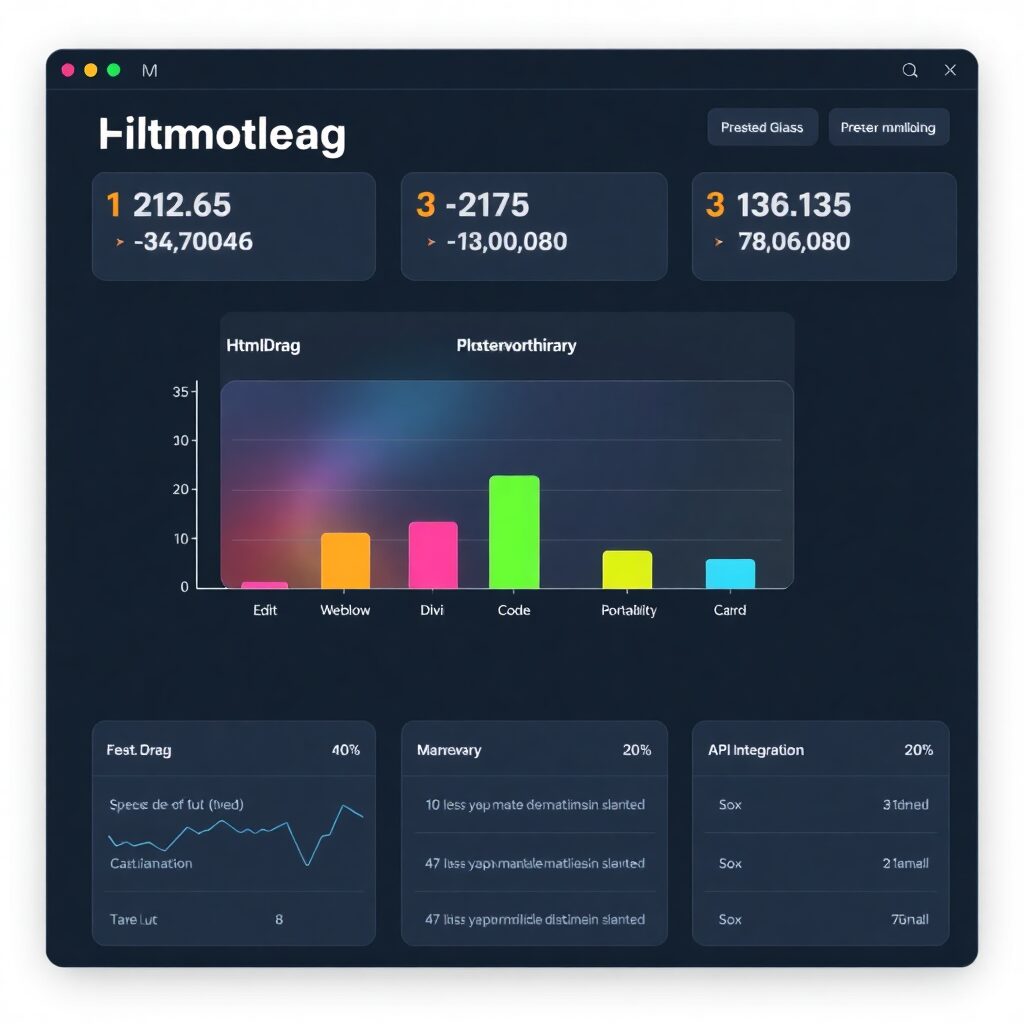
Figure: Strategic Automation Architecture for HtmlDrag
To understand the specific niche HtmlDrag occupies, it must be compared not just to direct competitors, but to the broader categories of visual web design tools. Its primary market rivals are full-featured website builders like Webflow, WordPress page builders like Divi, and minimalist single-page creators like Carrd. Each serves a different purpose and operates under a different architectural philosophy.
- Webflow: A professional, designer-first platform that combines a powerful visual editor with a CMS and hosting. It is a comprehensive solution for building entire websites with complex interactions and animations. [18]
- Divi: A theme and visual page builder for WordPress. It lives within the WordPress ecosystem, leveraging its vast library of plugins but also inheriting its complexities. [17, 20]
- Carrd: An ultra-simple builder focused exclusively on creating responsive, one-page sites. It prioritizes speed and ease of use over creative freedom and complexity.
While these tools can build pages from scratch, HtmlDrag excels at modifying what already exists. It is not for building a whole site, but for perfecting a single page, email, or component with absolute visual precision.
The Comparison Matrix (Decision Guide)
| Metric | HtmlDrag | Webflow | Divi (WordPress) | Carrd |
|---|---|---|---|---|
| Target User | Marketers, Developers (for tweaks) | Professional Designers, Agencies | WordPress Users, Freelancers | Startups, Individuals (for landing pages) |
| Architecture | Monolithic Walled Garden | Integrated Platform (SaaS) | Plugin/Theme for Open Source CMS | Hosted Service (SaaS) |
| Code Portability | Excellent (Clean HTML Export) | Limited (Requires paid plan to export) | Poor (Shortcode-based, tied to WP) | None (Platform-locked) |
| API / Integration | None | Yes (CMS and Data APIs) | Via WordPress REST API & Plugins | Via Webhooks/Forms only |
| Pricing Model | Freemium / Low-cost Subscription | Tiered Subscription (SaaS) | Yearly or Lifetime License | Low-cost Annual Subscription |
Technical Implementation with Make.com
The monolithic architecture of HtmlDrag presents a significant challenge for automation: there is no API. Direct integration into a Make.com workflow for programmatic edits is impossible. However, for advanced use cases, a brittle but functional workaround can be engineered using browser automation modules. This approach is not recommended for mission-critical workflows due to its reliance on UI screen scraping, but it is technically feasible.
The objective is to automate the process of taking source HTML, applying a change, and saving the output. Here is the blueprint:
- Trigger: Custom Webhook
The scenario starts with a Make.com Webhook. This endpoint receives a JSON payload containing the source HTML (or a URL to it) and the desired modifications (e.g., `{“selector”: “#headline”, “new_text”: “New Headline Text”}`). - Module 1: Get Source Code (HTTP)
If a URL was provided, an HTTP “Make a request” module fetches the raw HTML of the target page. If the HTML was provided directly in the webhook, this step is skipped. - Module 2: Browser Automation (HARPA.AI / Browse AI)
This is the critical and most fragile step. Use a browser automation tool integrated with Make.com. The HARPA.AI “Run AI powered web automation” action or a similar tool is required. [13]- Action 1: Navigate to `htmldrag.com`.
- Action 2: Program the agent to find the code input area and paste the source HTML from the previous module.
- Action 3: This requires custom scripting. The agent must execute JavaScript to find the element based on the selector from the webhook (`document.querySelector(…)`) and modify its content. This is the most complex part, as you are simulating user actions programmatically.
- Action 4: Instruct the agent to click the “Download” button. This will save the file to the browser automation service’s temporary storage.
- Module 3: Retrieve the File
Another HTTP module or a dedicated module for the browser automation service is used to retrieve the downloaded HTML file from the temporary storage. - Module 4: Process and Store (FTP/Google Drive/etc.)
The retrieved HTML content is then passed to a final module, which could be an FTP “Upload a file” action to deploy it to a server, or a Google Drive “Upload a file” action to store it.
Error Handling Strategy: This workflow is prone to failure if the HtmlDrag UI changes. It is mandatory to implement robust error handling. Wrap the browser automation module with a “Resume” (Ignore/Resume) error directive. If the module fails (e.g., a selector is not found), the route should lead to a notification module (e.g., Slack or Email) that alerts an operator to the failure, including the input data for manual processing. Do not let 400/500 errors in this step fail the entire scenario silently.
Top 3 Alternatives
- Webflow: The best choice for professionals building complete, data-driven websites from the ground up. Its CMS and hosting integration make it an all-in-one platform, but it has a steeper learning curve and is overkill for simple edits. [19]
- Divi: Ideal for those already invested in the WordPress ecosystem. It’s a powerful page builder with a massive community and plugin library, but its reliance on shortcodes can lead to vendor lock-in and performance issues. [21]
- Carrd: The fastest way to build and deploy a simple, one-page website. It is extremely user-friendly and affordable but lacks the deep customization and multi-page capabilities of other tools.
The Limitation:
This analysis evaluates HtmlDrag in isolation. It does NOT account for your specific team size, automation debt, migration time, or hidden operational costs.
The Hard Truth:
Most SaaS failures don’t come from choosing the wrong tool. They come from switching without calculating the real switching cost.
The Logical Next Step (CTA):
If HtmlDrag is currently under consideration for your stack, the next step is not more research. The next step is cost validation.
Conclusion & Advanced Resources
HtmlDrag is a brilliantly focused tool that solves a specific, high-friction problem. Its value is not in what it builds, but in how fast it can modify what is already built. The “Monolithic Walled Garden” architecture is a deliberate trade-off: it sacrifices API integrability for a simple, powerful user experience. For its target audience of marketers and front-end developers needing to make rapid visual adjustments, this is the correct trade-off. The platform is a definitive BUY for its intended purpose.
While direct automation is not possible, the browser automation workaround, though complex, demonstrates a path for integration into larger systems for teams with advanced technical capabilities. For those looking to build such workflows, the flexibility of a platform like Make.com is essential.
1. Start building advanced, conditional workflows today: Start with Make.com.
2. For pre-built, advanced automation blueprints and technical guides, explore the resources at GetAutomationFlow.com.
Transparency Disclosure: This guide contains affiliate links. If you register or purchase through these links, ToolALT may earn a commission at no additional cost to you. This helps us continue to provide high-quality, technical automation research.